

Wifi Analyzer and Scanner
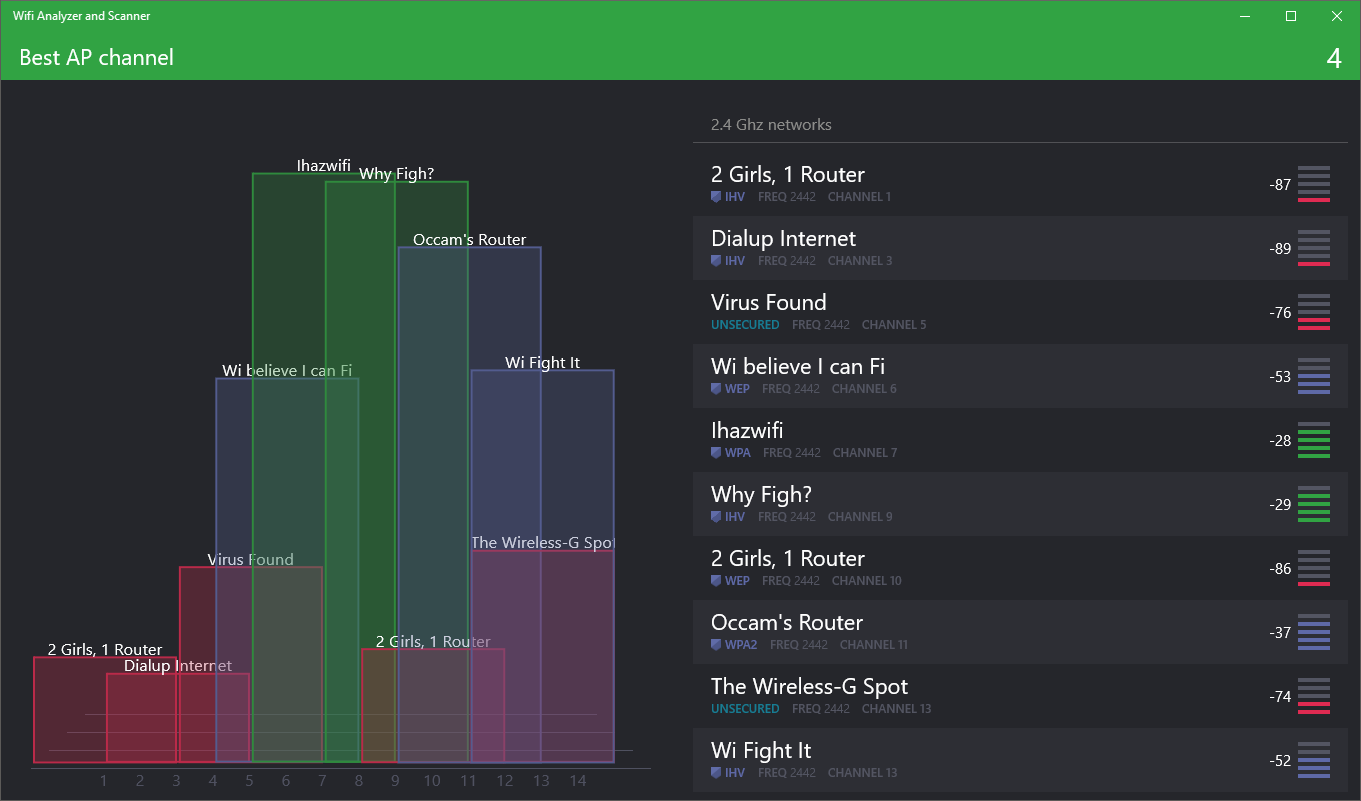
Discover how the Wifi Analyzer and Scanner app for Windows helps you optimize your wireless connection, analyze signal strength, and find the best channels.
Find Your Perfect Wireless Signal with Wifi Analyzer and Scanner
If you have ever struggled with dropped connections, slow buffering speeds, or dead zones in your home or office, the Wifi Analyzer and Scanner utility is designed to solve your wireless headaches. This specialized Windows tool acts as an expert diagnostic helper, giving you a clear window into the invisible wireless signals surrounding your workspace so you can make informed adjustments immediately.
Why Signal Visualization Matters
Most of us only notice our network connection when it stops working. With this software, you can proactively audit your environment. The application maps out nearby networks and provides real-time data to help you understand why your connection might be lagging.
Key Features & Capabilities
- Optimal Receiver Placement: Easily locate the absolute best physical spot to place your computer or external wireless receiver for peak performance.
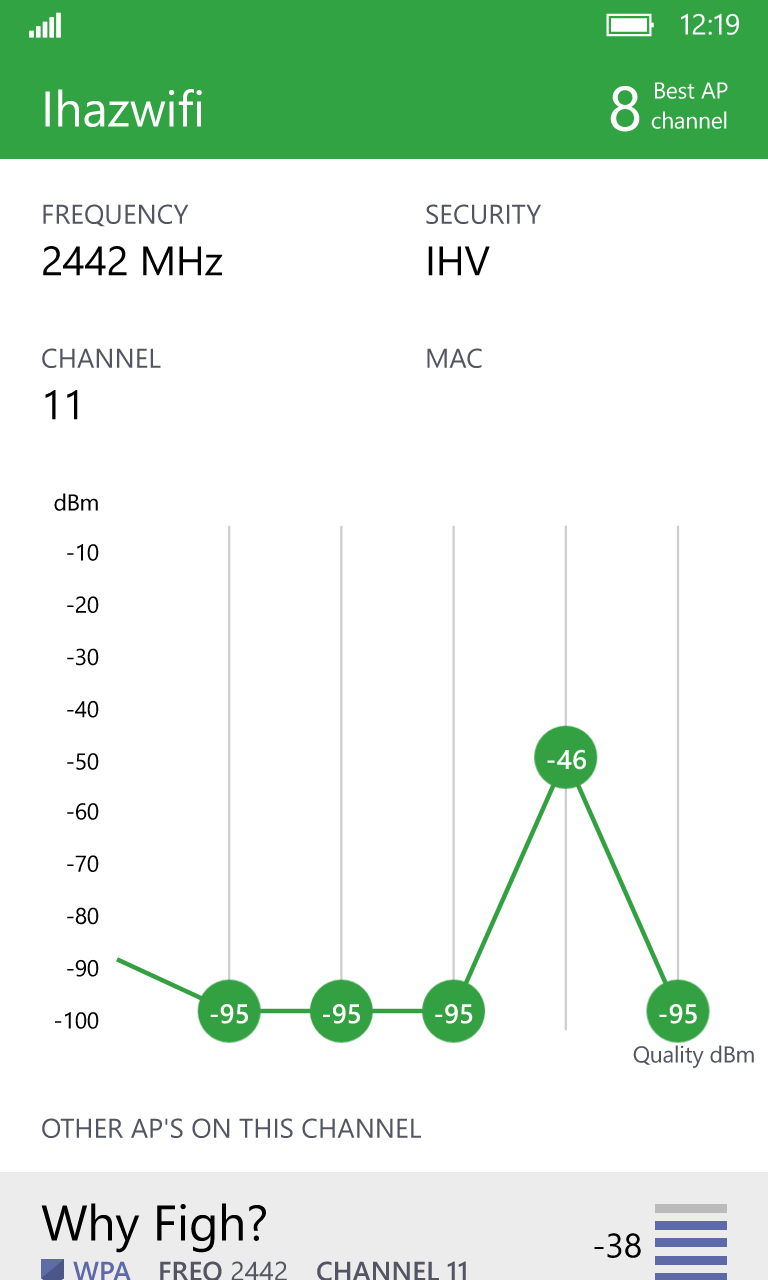
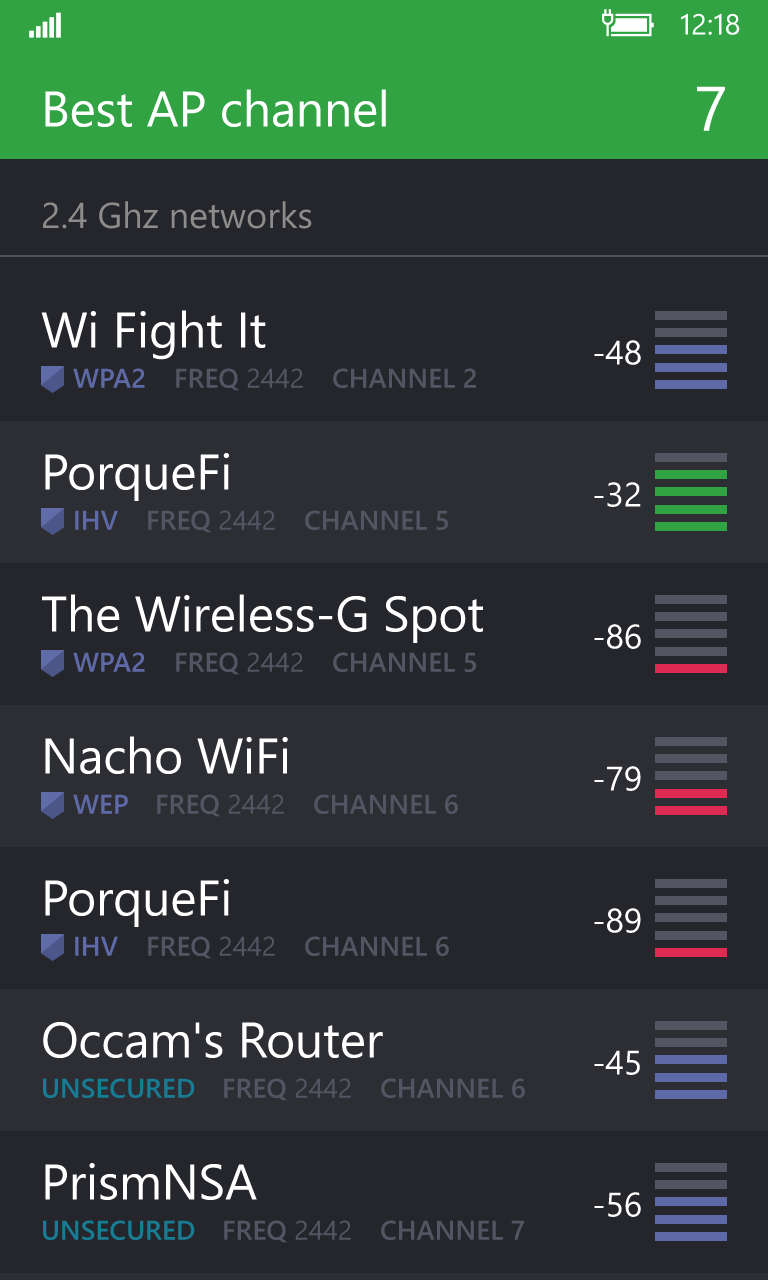
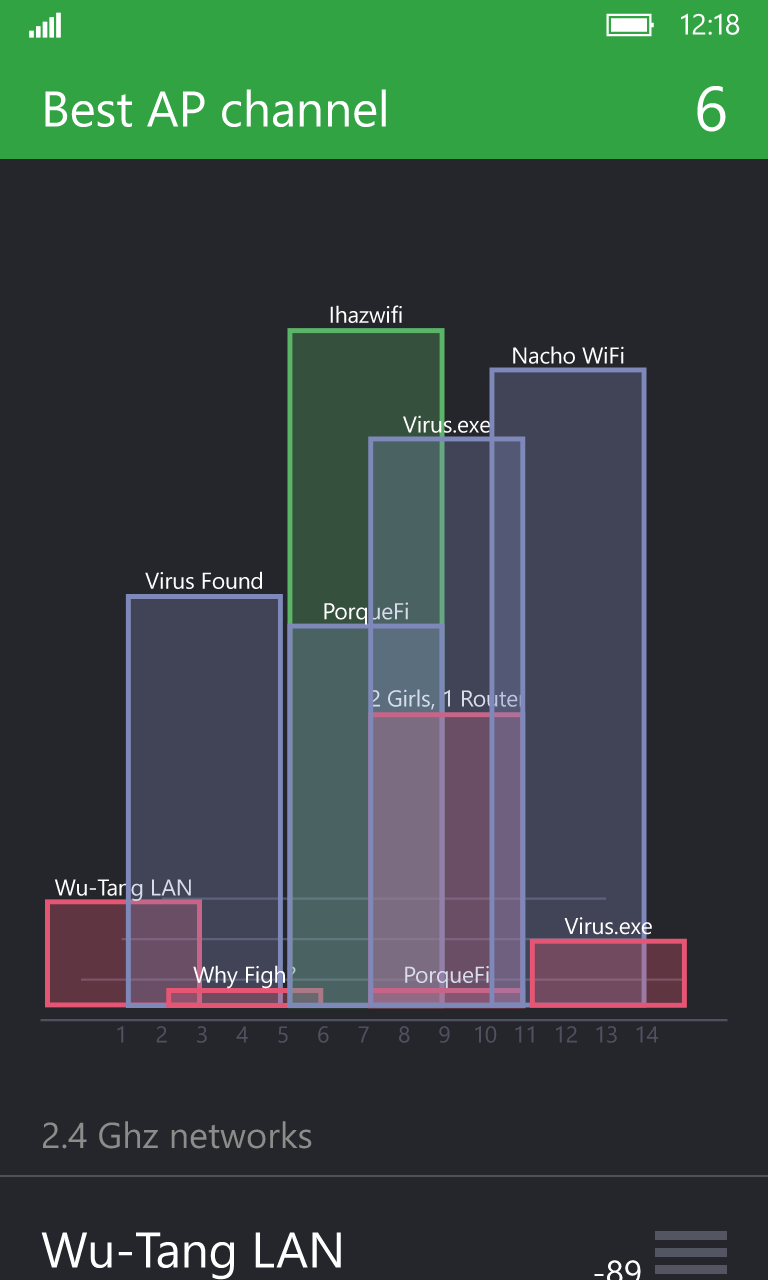
- Channel Congestion Analysis: View detailed information about every active wireless channel in your vicinity to identify which frequencies are overcrowded.
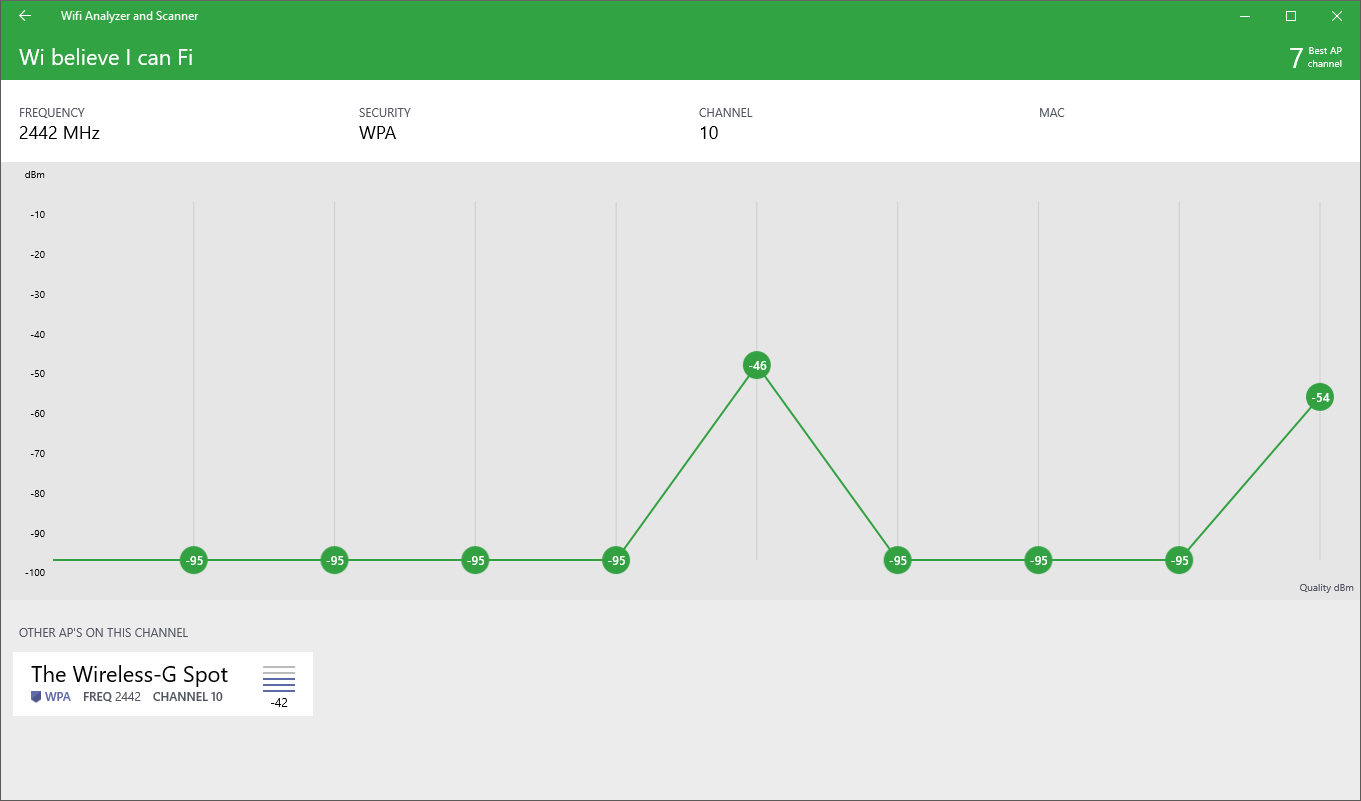
- Signal Strength History: Monitor fluctuations in your connection over time using a dynamic, easy-to-read history graph.
- Smart AP Recommendations: Receive instant recommendations on the cleanest, most efficient channel to select when setting up a new access point.
Who is This Tool For?
Developed by WebProvider, this application is perfect for remote workers, gamers, and home network administrators who need a stable, high-speed connection. Whether you are setting up a brand-new router or trying to troubleshoot persistent interference from your neighbors' networks, this utility simplifies the optimization process without requiring a degree in network engineering.
Technical Notes & Compatibility
As an internet utility designed for the Windows platform, it delivers a streamlined, lightweight experience. Please note that users running older beta upgrades, such as the Windows 10 Insider Preview from 8.1, may experience minor compatibility issues and should test the application on their specific system configuration.
Enhance Your Connection Today
Stop guessing where your wireless signal is strongest. If you are ready to take control of your local network environment, head over to the official Microsoft Store to explore the Wifi Analyzer and Scanner and optimize your setup today.