

Browser Pro+ Multitasking Windows Browser Review

Read our in-depth review of Browser Pro+ to see how this lightweight multitasking browser for Windows boosts your productivity with split-screen tools.
For desktop power users, standard web browsers can often feel cluttered and resource-heavy. If you frequently find yourself tiling windows manually or constantly switching between tabs, the Browser Pro+ multitasking browser offers a streamlined, lightweight alternative designed specifically for Windows. Developed by Monty Inc., this utility is built from the ground up to help you monitor, compare, and research web content without sacrificing system performance.
The Standout Feature: True Desktop Multitasking
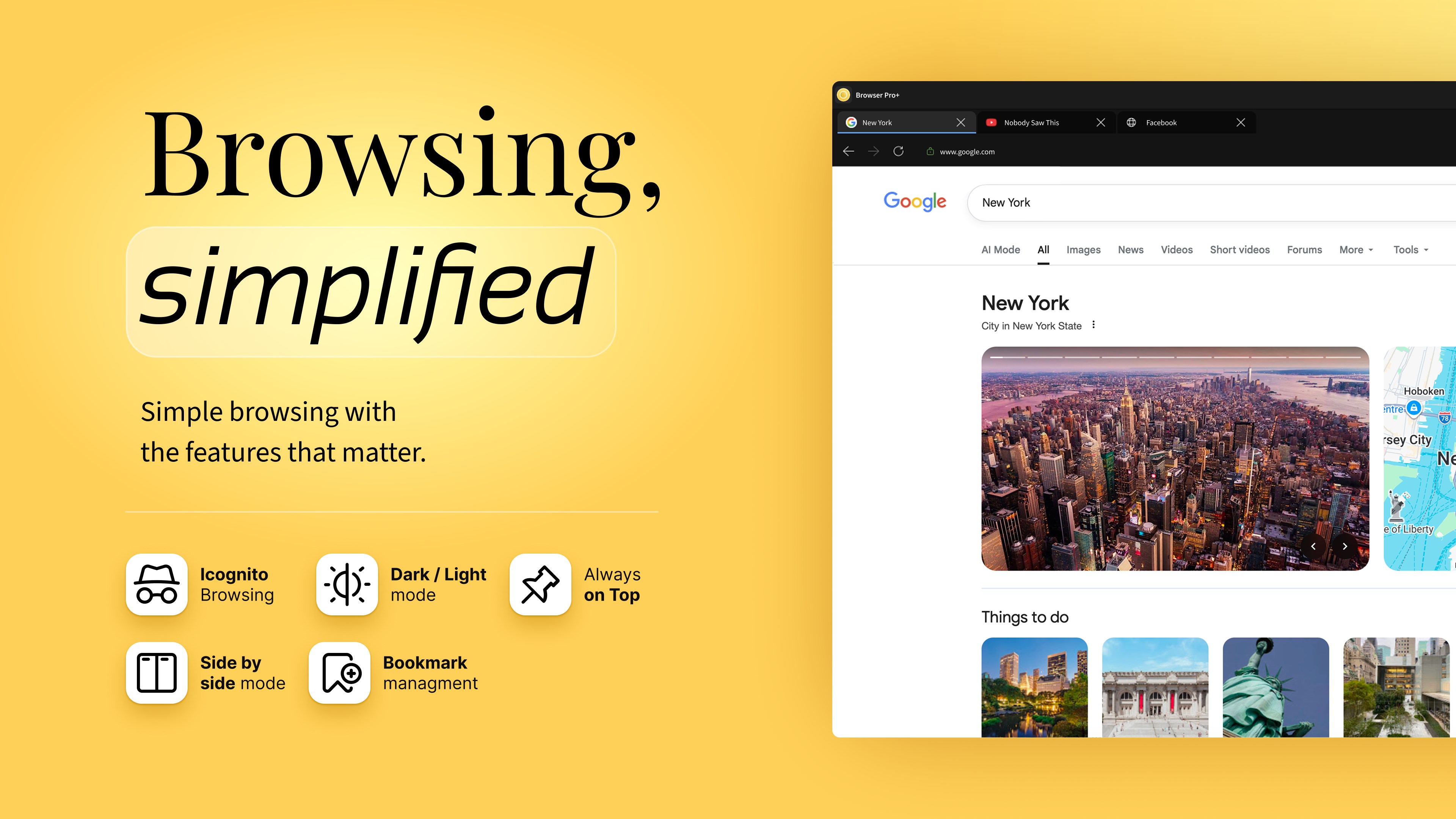
The defining capability of the Browser Pro+ multitasking browser is its native productivity layout options, which bypass the need for clunky browser extensions. Two features in particular elevate this tool beyond basic web viewing:
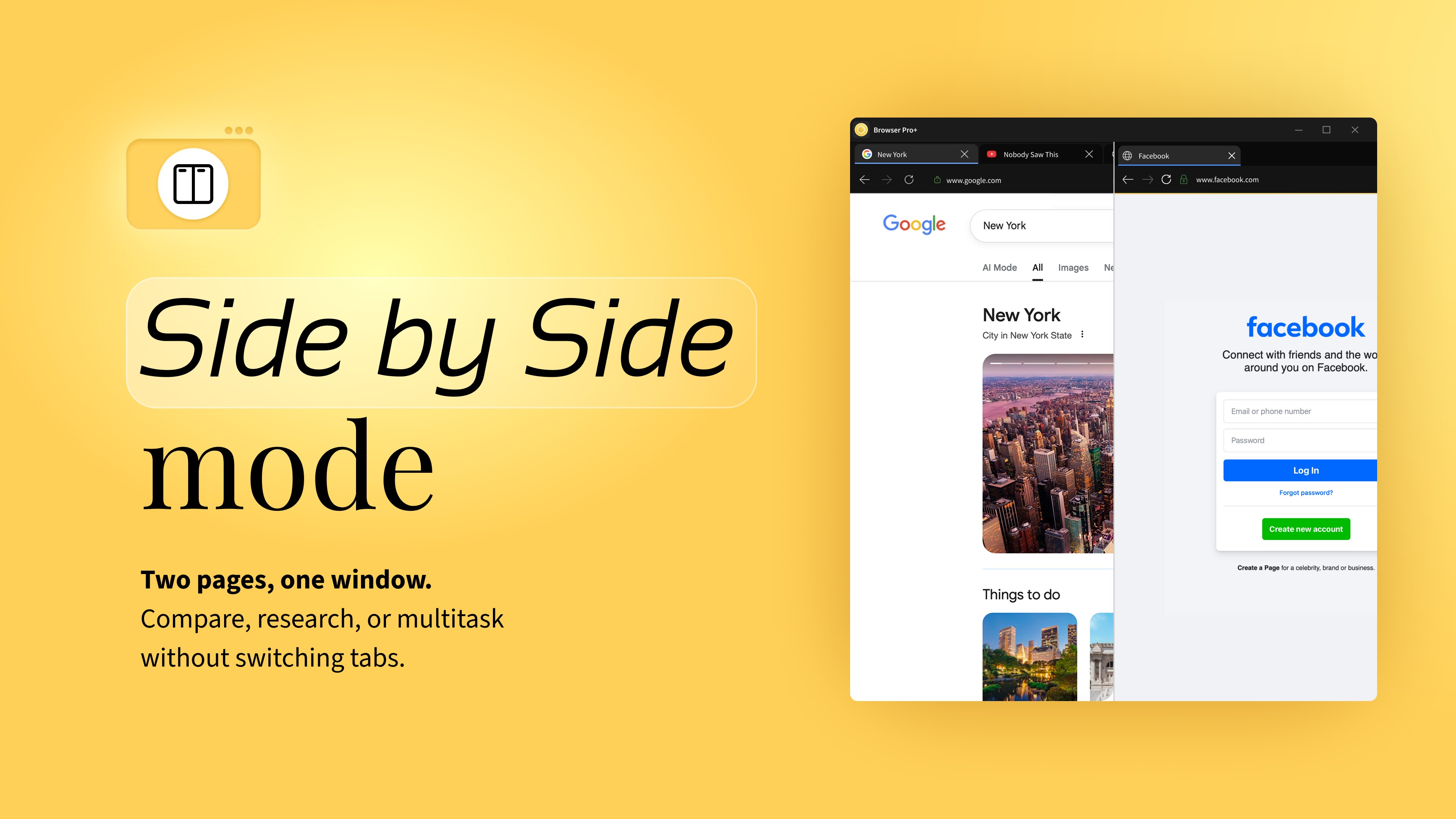
- Adjustable Split Screen View: You can load two separate URLs side by side within a single application window. This is highly efficient for translating text, comparing prices, conducting academic research, or keeping a reference document open while you work.
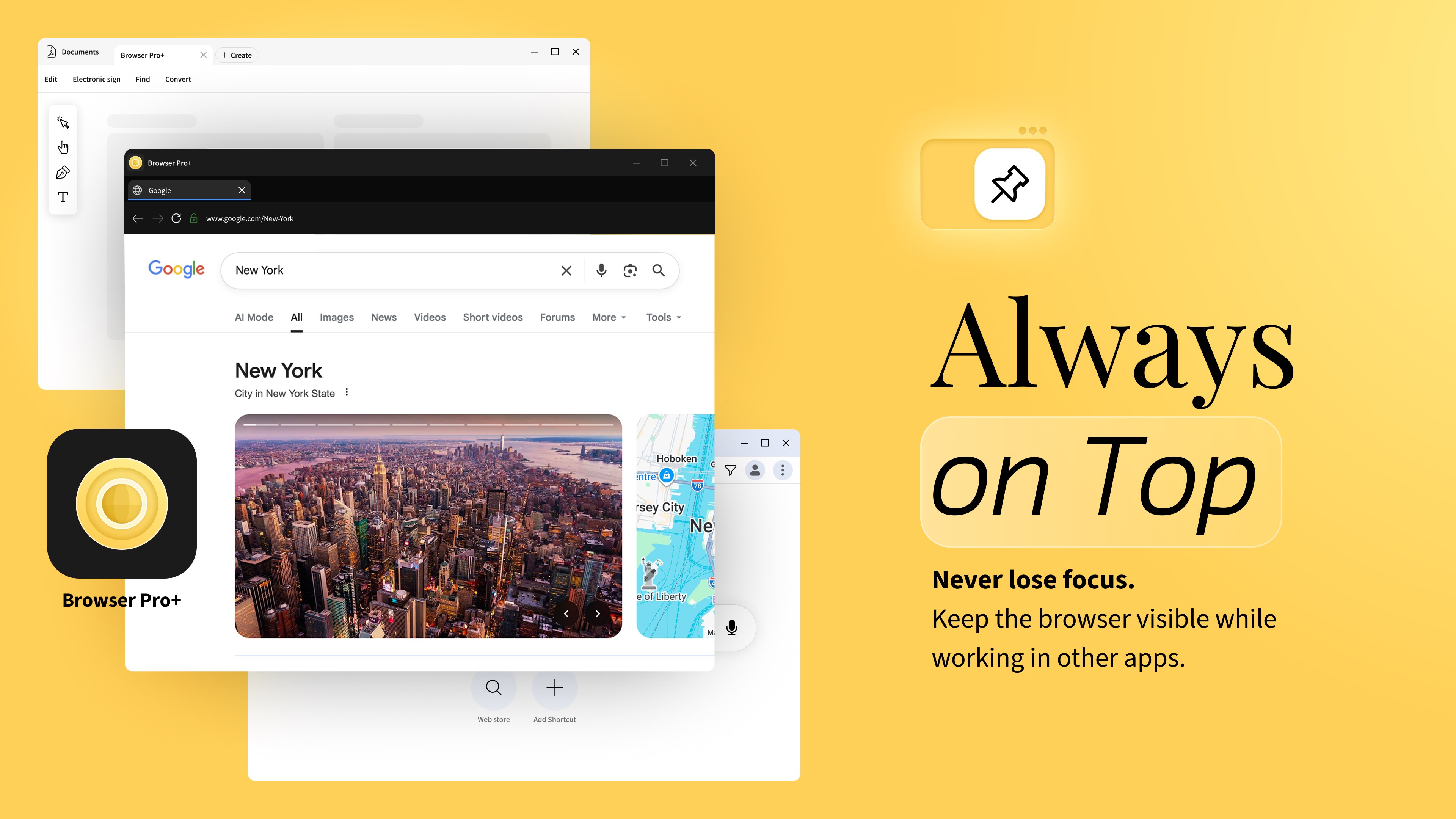
- Always-on-Top Mode: Pin the browser window above all other active applications. This is perfect for keeping a video stream, a team chat channel, or a live monitoring dashboard visible while you write code, design, or draft documents in another app.
Clean Integration with Windows Design
Visually, the browser aligns perfectly with the modern Windows aesthetic. Utilizing a clean Microsoft Fluent UI design, it supports native light, dark, and system themes. Despite its minimal footprint, it includes essential browsing conveniences like drag-and-drop tab reordering, pin tabs, session restoration, and a smart address bar that automatically detects searches.
Privacy and Local File Management
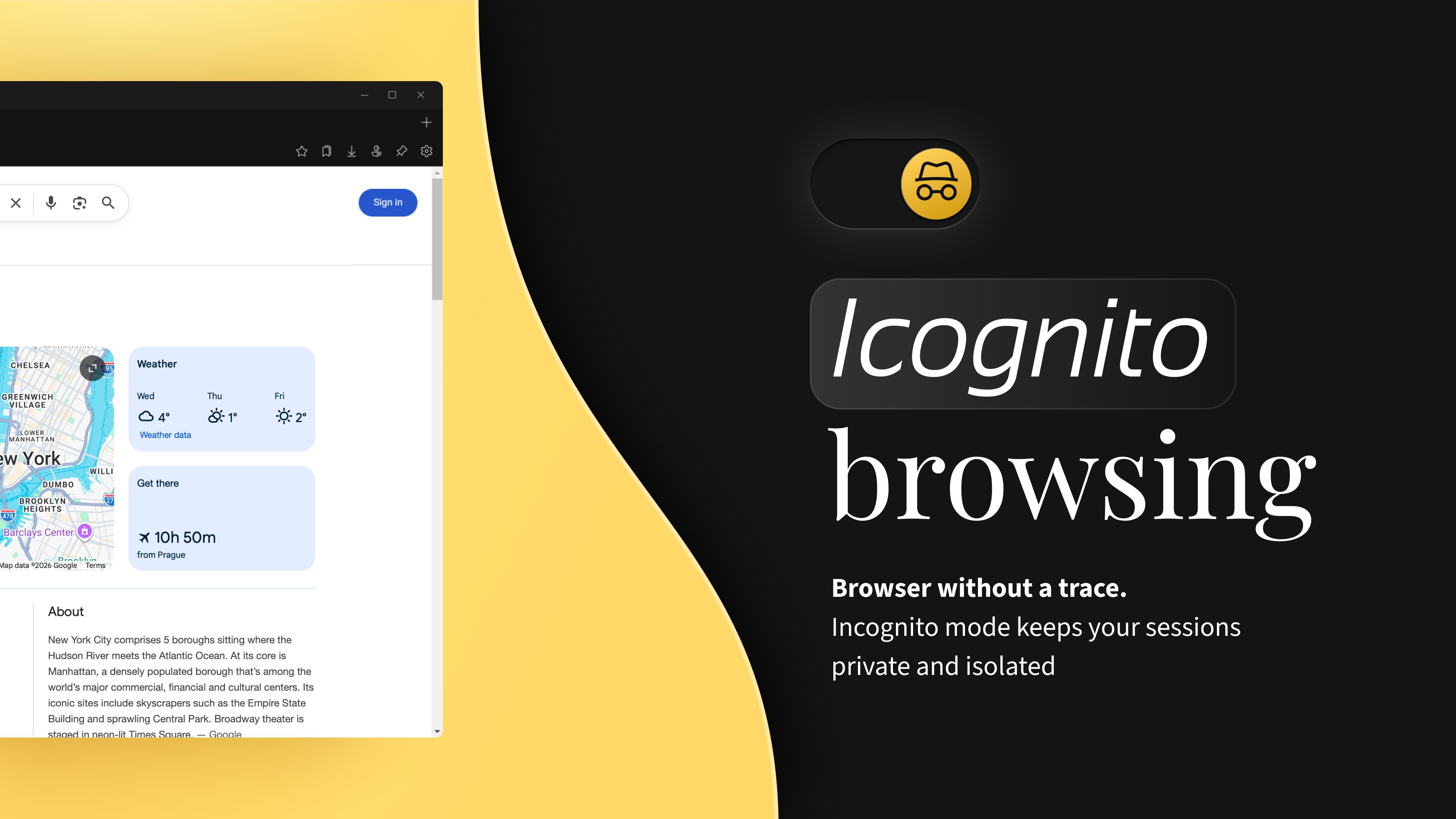
Beyond live web browsing, this application doubles as an efficient offline file viewer. You can open local HTML files, PDFs, and web shortcuts directly from your desktop. For sensitive sessions, a dedicated Incognito window operates in an isolated temporary environment, ensuring no local browsing history or cookies are saved after you close the window.
Is It Right for Your Workflow?
The Browser Pro+ multitasking browser is ideal as a dedicated secondary browser. If you need a lightweight companion to run beside your resource-heavy primary browser specifically for dashboards, documentation, or side-by-side research, this application delivers a fast, focused workspace. To explore its features firsthand, visit the official Microsoft Store to view the app listing.