
S1 NEXT Messenger
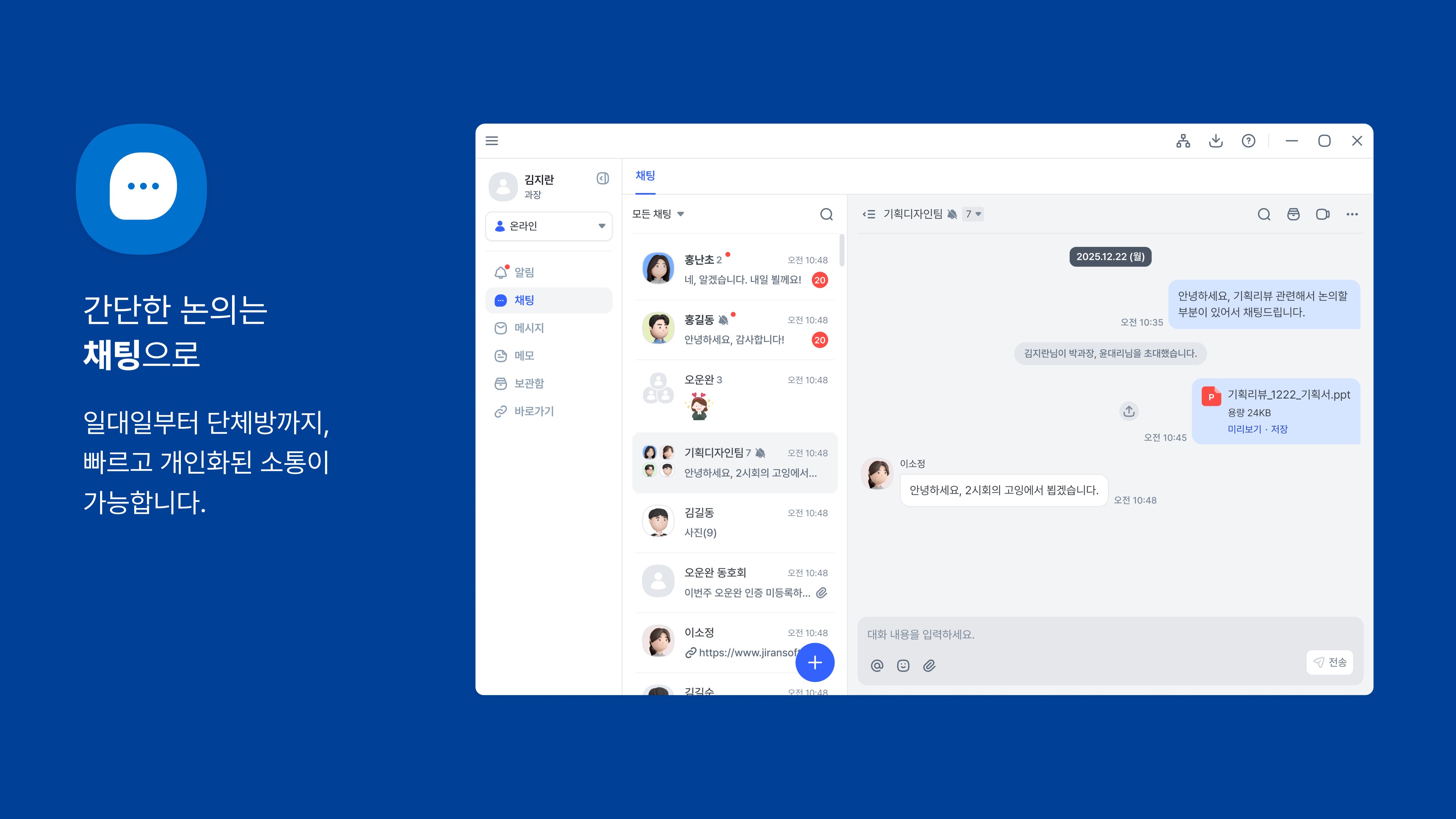
Discover how S1 NEXT Messenger secures and streamlines corporate collaboration with our in-depth review of this professional Windows communication tool.
The Ultimate Corporate Communication Hub for Windows
In the modern corporate landscape, balancing team collaboration with robust data protection is a major challenge. The S1 NEXT Messenger business communication tool by JIRANSOFT CO. LTD addresses this head-on. Designed specifically for the Windows platform, this enterprise-grade messenger consolidates team conversations, vital files, and system notifications into a single, highly secure environment. If your organization requires structured, channel-based collaboration without sacrificing sensitive data, this platform offers a tailored solution.
Streamlining Workflows with Real-Time Communication
The core of the S1 NEXT Messenger business communication tool lies in its ability to eliminate fragmented workflows. By moving conversations away from consumer-grade apps and into a dedicated corporate space, teams can maintain focus and accelerate project delivery.
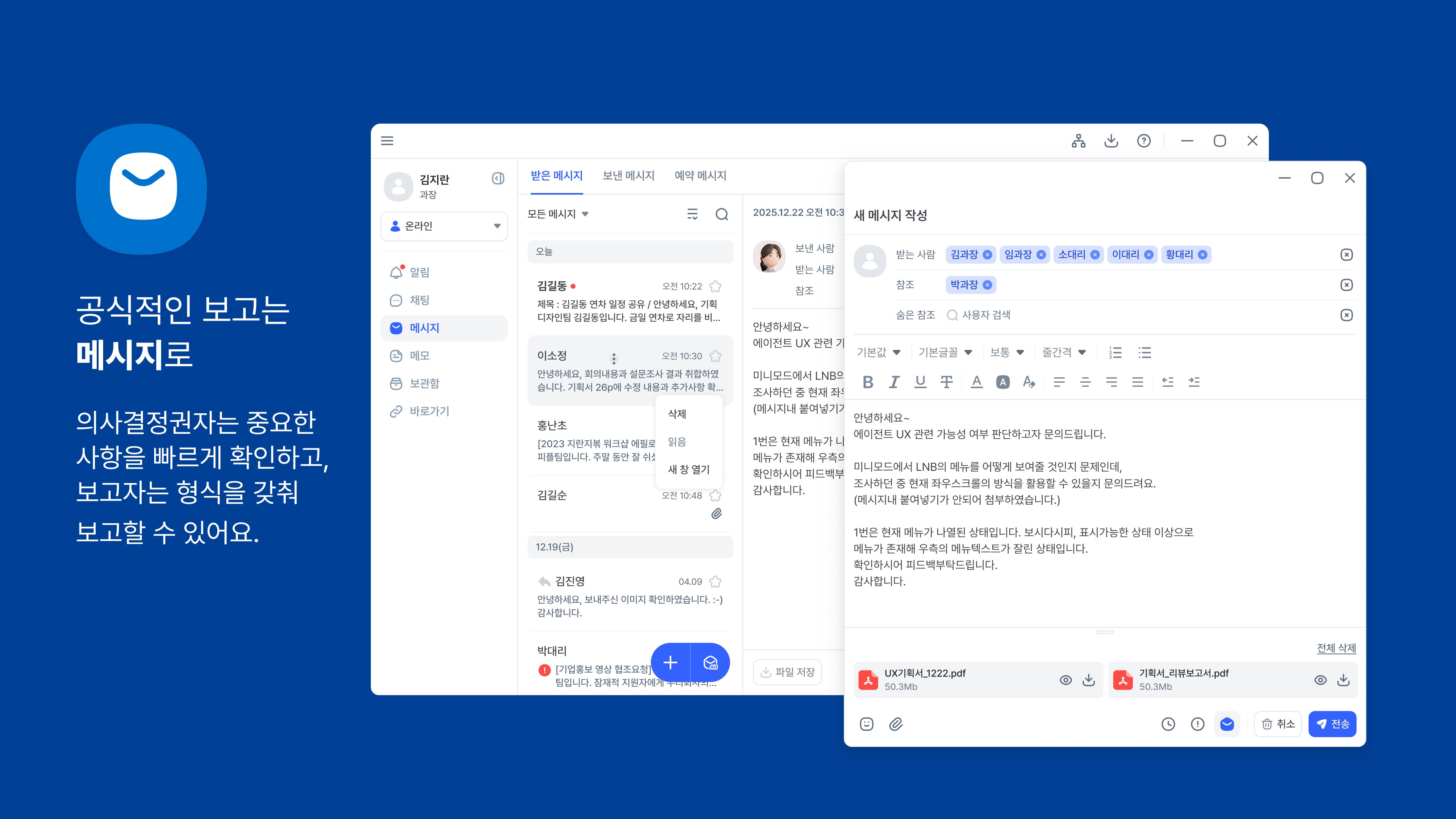
- Instantaneous Chat: Facilitates fast, intuitive, and real-time dialogue within your organization, helping teams resolve queries instantly.
- Advanced Messaging: Supports smooth operational handovers with integrated file-sharing capabilities and scheduled message delivery to respect team working hours.
Administrative Features Designed for Focus
Beyond simple chat functions, the application includes productivity-centric utilities that keep your workspace organized:
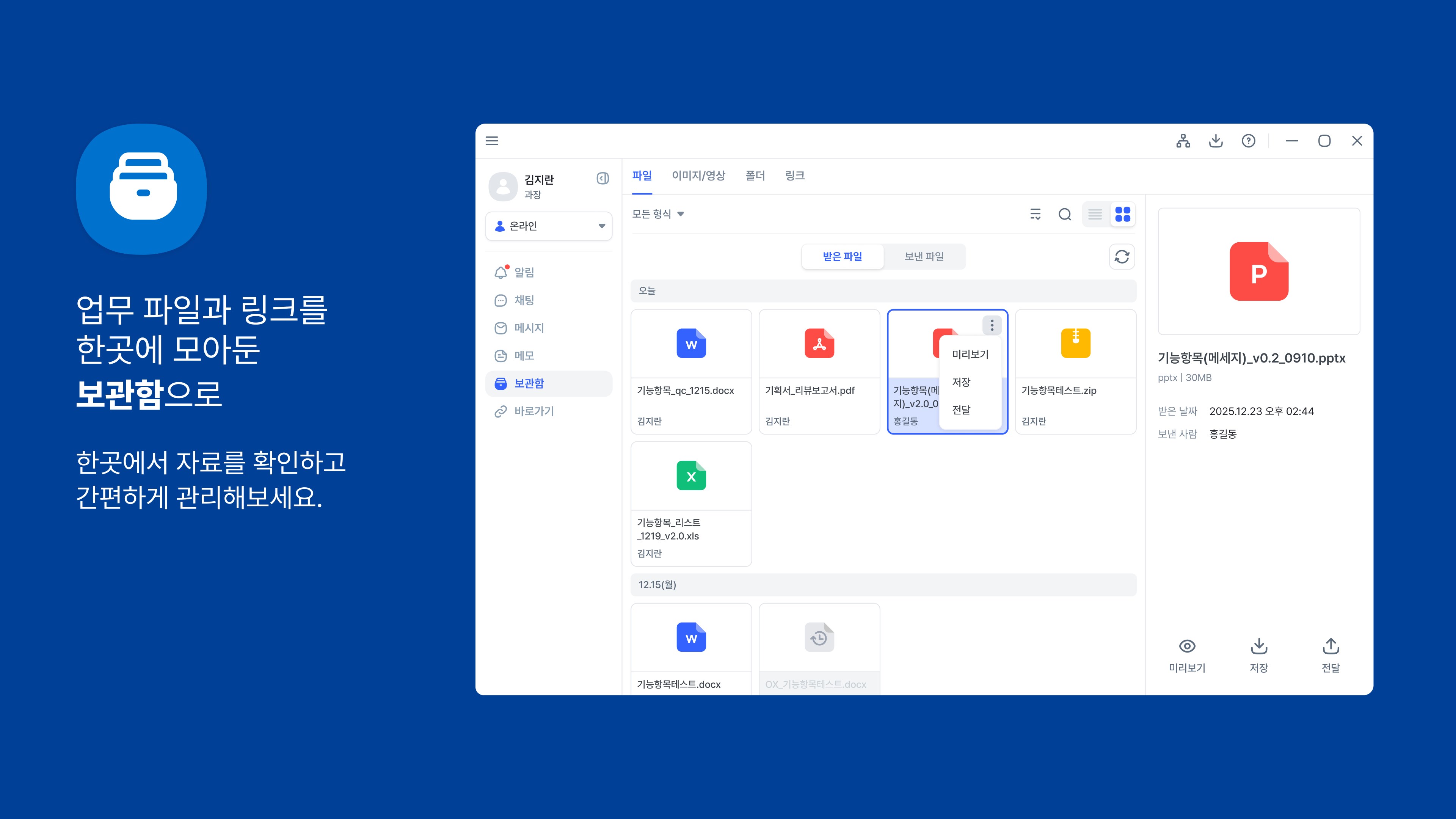
Centralized Archive
Locating historical context or past decisions is simple. The built-in archive allows users to quickly search and retrieve any content, files, or messages previously shared across active channels.
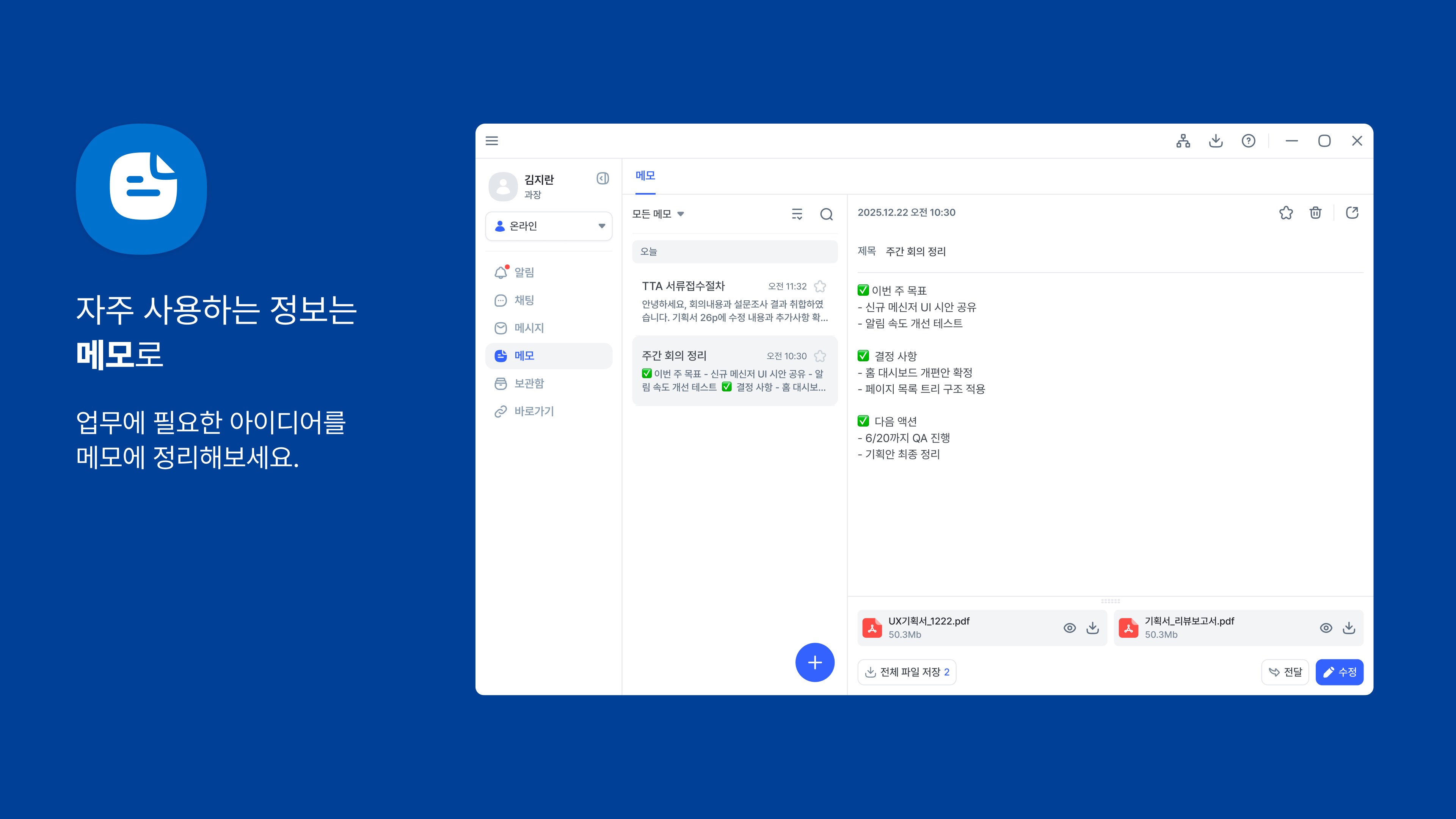
Integrated Memo and Task Management
Users can manage personal agendas and daily to-do lists directly within the interface. This integration reduces the need to constantly switch between third-party note-taking software and your primary communication hub.
Permissions and Security Architecture
As a security-first application, transparency regarding system access is vital. S1 NEXT Messenger requests specific, optional Windows permissions to enable its full feature set:
- Camera & Photos: Required only when capturing images or uploading external files directly into your active channels.
- System Notifications: Ensures you stay informed of critical updates and direct messages without lag.
Is This the Right Tool for Your Team?
The S1 NEXT Messenger business communication tool is ideal for corporate environments that prioritize data sovereignty, structured channel collaboration, and distraction-free productivity. If you are looking to upgrade your company's communication infrastructure on Windows, you can learn more and explore its deployment options by visiting the official Microsoft Store page.