

mysms - Text from Computer
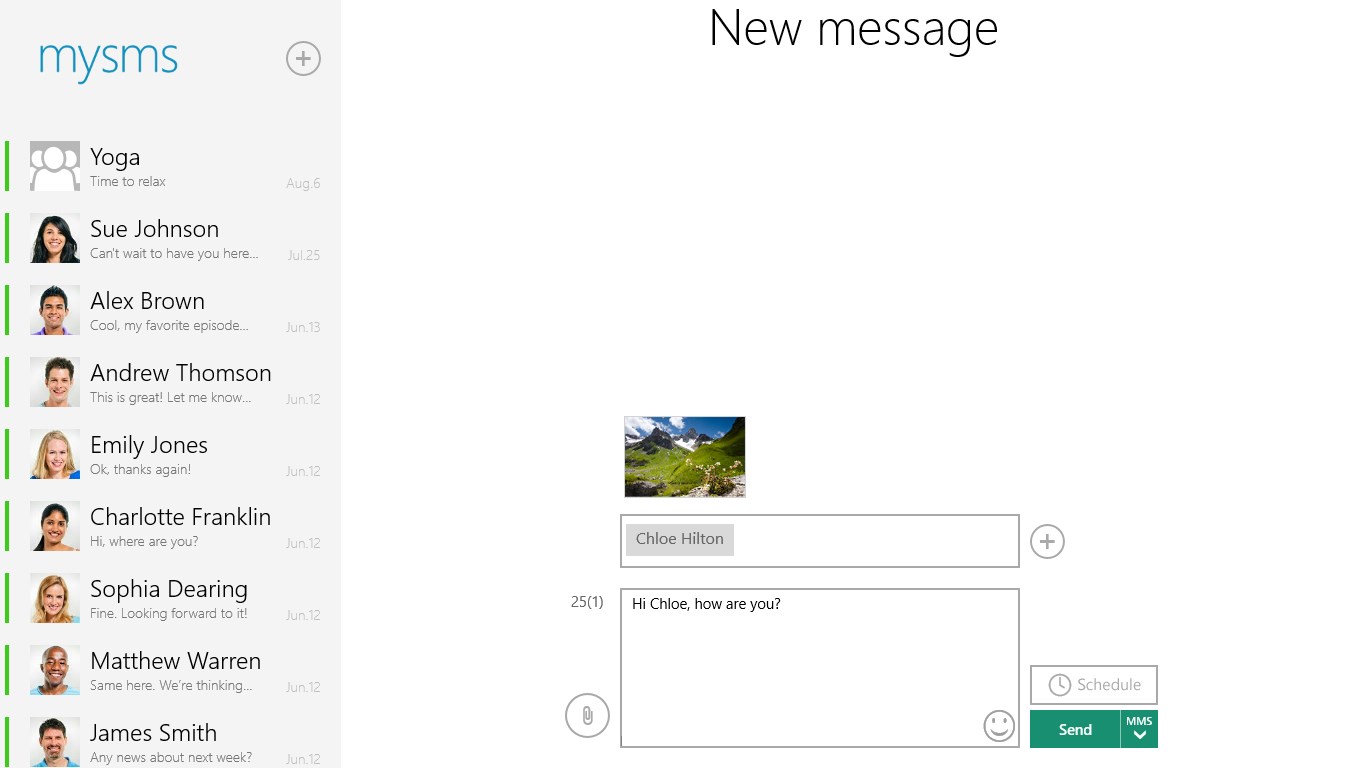
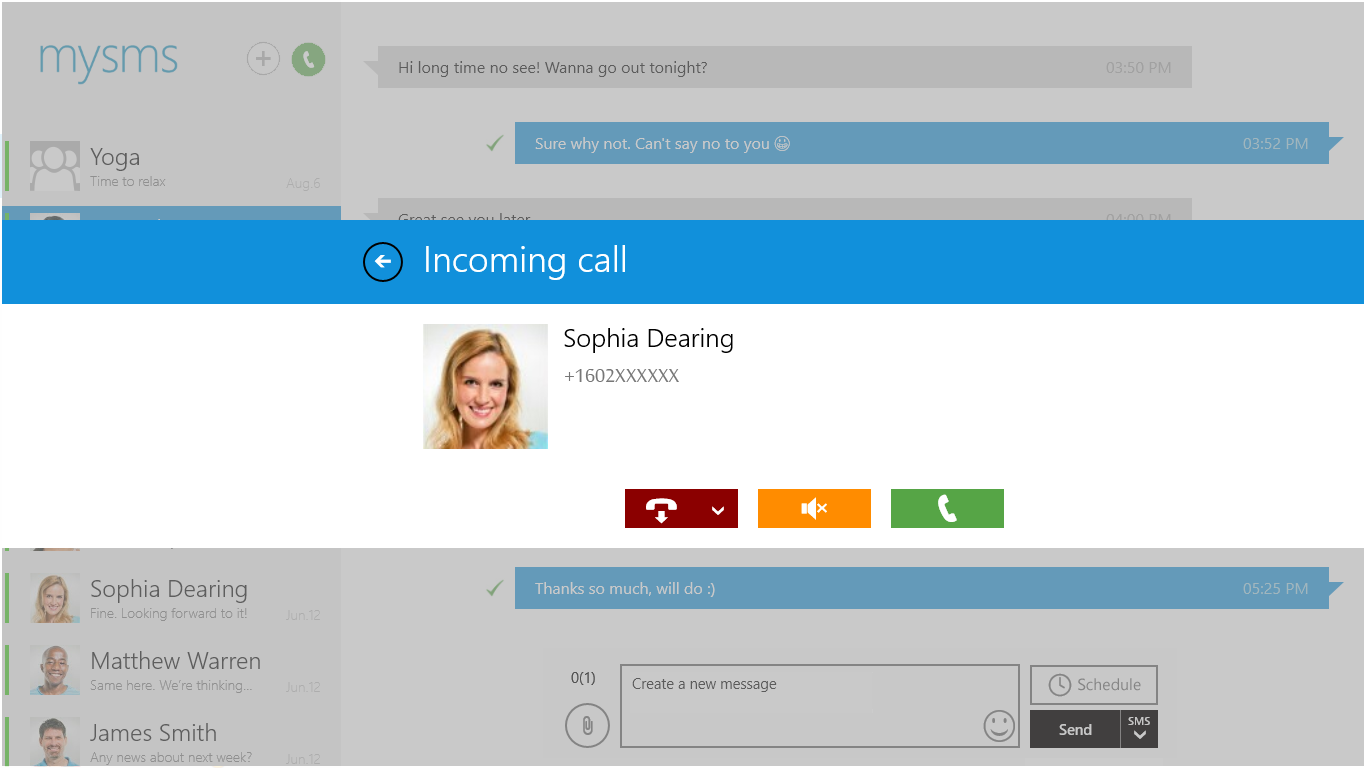
Discover how mysms - Text from Computer lets you send and receive SMS messages directly from your PC or tablet. Read our full review of this sync tool.
The Ultimate Solution to Texting from Your Desktop
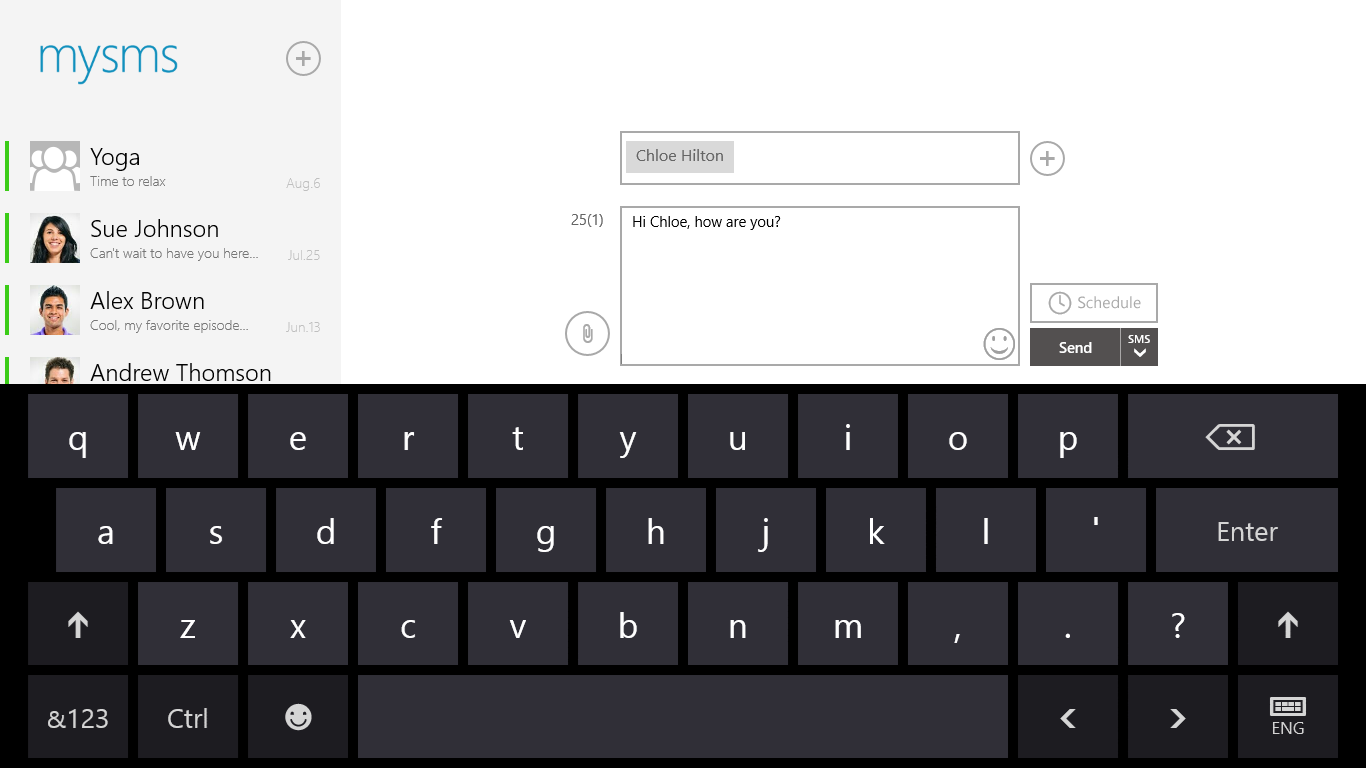
Tired of constantly picking up your phone to reply to text messages while working at your desk? The mysms - Text from Computer service bridges the gap between your mobile device and your desktop, allowing you to manage your entire SMS inbox directly from your Windows screen. By routing your messages through a secure cloud connection, it transforms your PC or tablet into a fully functional messaging hub using your existing mobile number.
Key Features of mysms - Text from Computer
This communication utility is designed for efficiency, ensuring you never miss an important update while focusing on your computer. Here are the core capabilities it offers:
- Seamless Desktop Texting: Send and receive standard SMS messages on your Windows 8 or Windows 10 computer or tablet.
- Real-Time Cloud Synchronization: Your inbox remains perfectly synchronized across your smartphone, tablet, and PC.
- Incoming Call Notifications: Receive instant alerts on your computer screen whenever your phone rings.
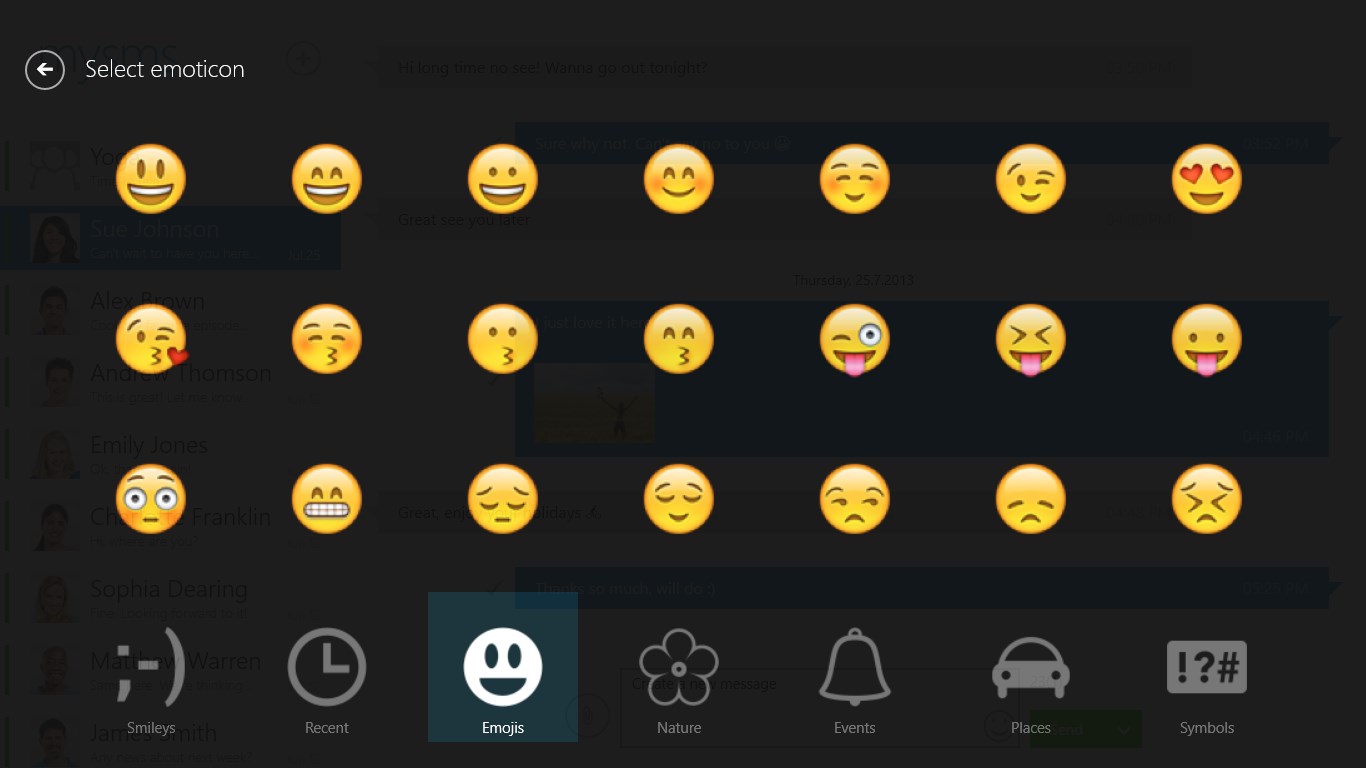
- Rich Media Support: Send MMS, manage group chats, and share multimedia files without touching your phone.
How It Works
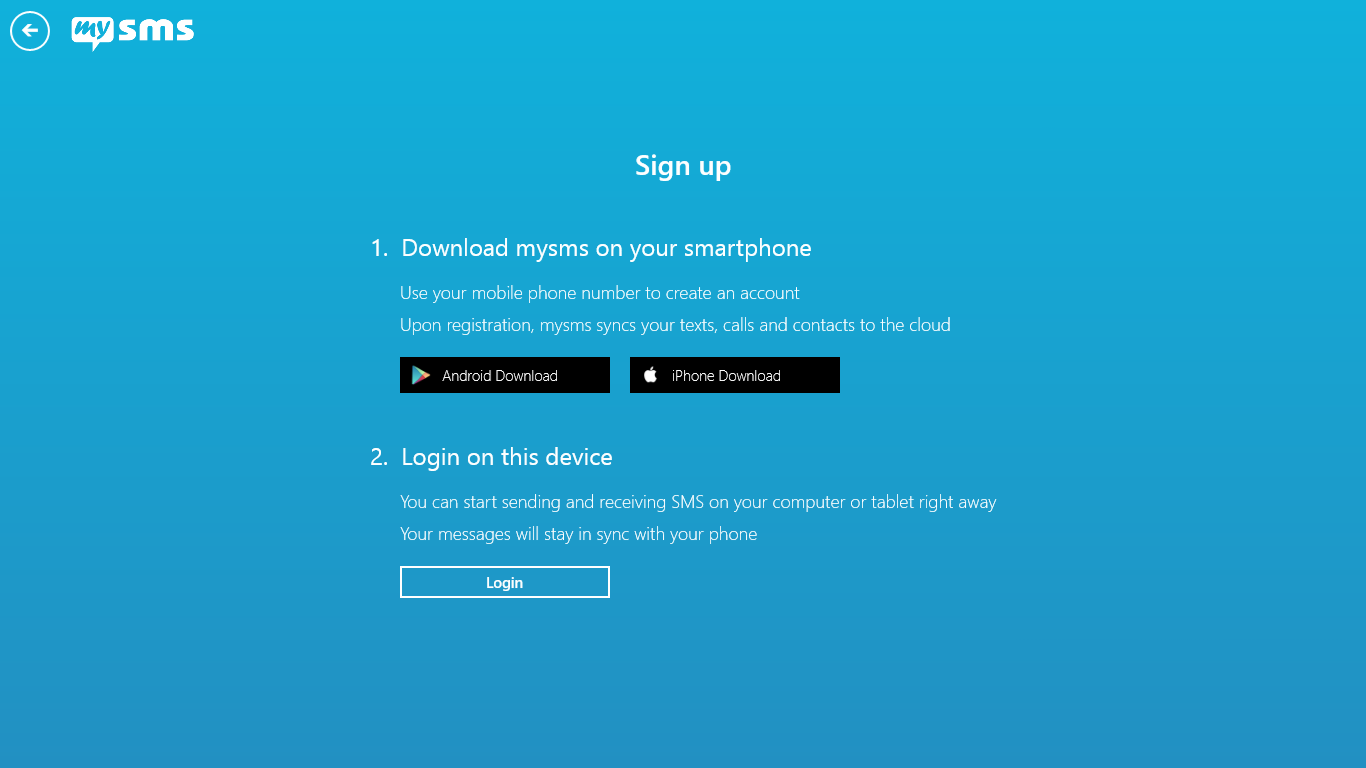
To establish a connection, the system requires a quick, two-step setup. Because the desktop application is not self-contained, you must first install the companion application on your mobile phone and register an account. Once your mobile profile is active, simply open the mysms - Text from Computer application on your Windows device and log in with your credentials to sync your inbox.
Who is This App For?
This software is highly beneficial for professionals, students, and office workers who spend long hours on their computers. Instead of shifting focus between multiple screens, you can reply to clients, friends, and family instantly using your physical keyboard. It is a streamlined tool built strictly to enhance your daily communication workflow.
Our Verdict
If you need a reliable way to centralize your text messaging, this utility offers a highly practical solution. Ready to streamline your workflow? You can find the official application and check it out on the Microsoft Store.