
SubTotal: Invoice Maker & Billing
Read our comprehensive review of SubTotal: Invoice Maker & Billing. Discover how this Windows app simplifies client invoicing, quotes, and e-billing.
The Ultimate Solution for On-the-Go Client Billing
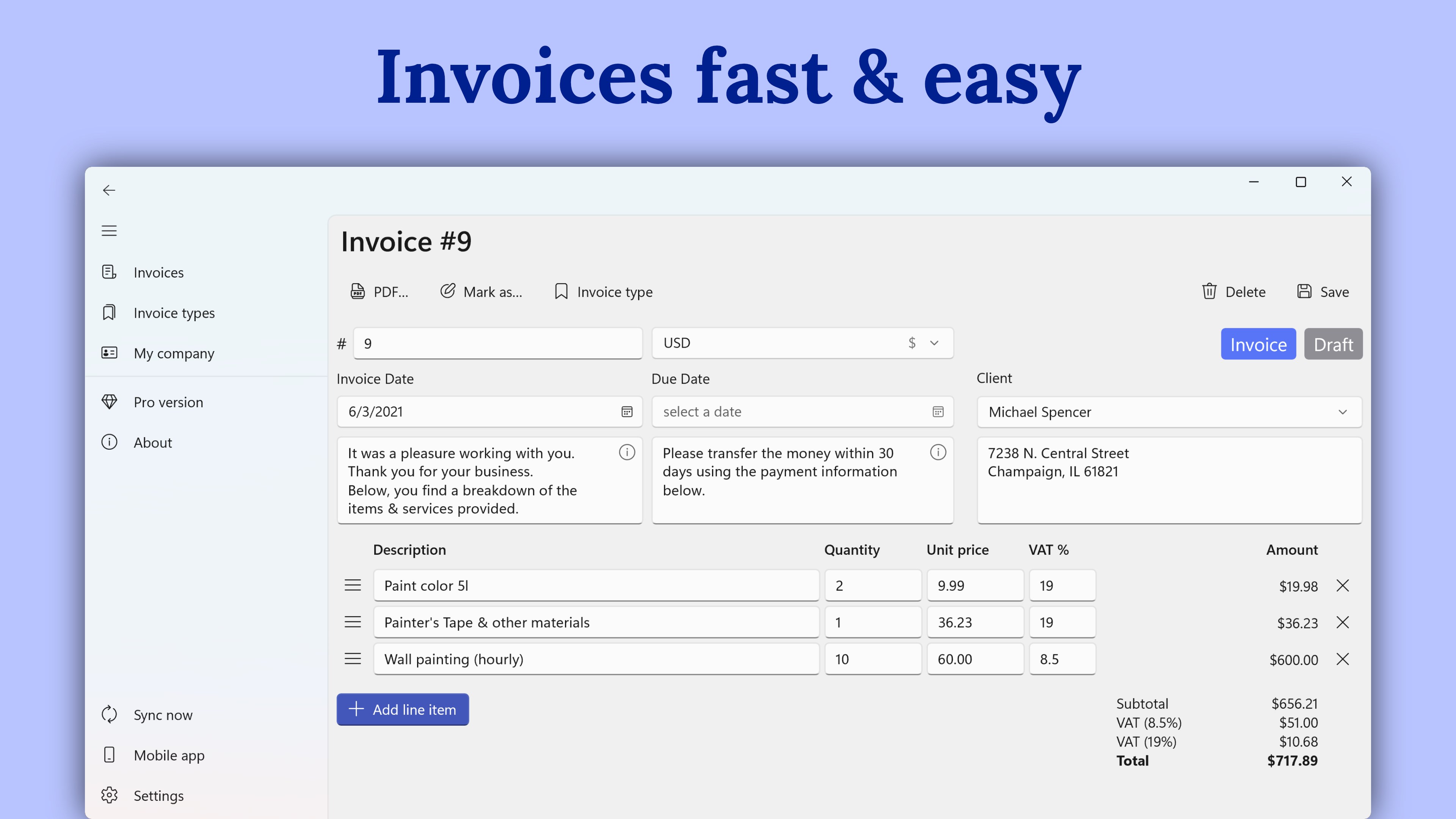
For freelancers, contractors, and small business owners, the administrative burden of billing can easily eat into valuable productive hours. SubTotal: Invoice Maker & Billing addresses this exact pain point by providing a streamlined, highly efficient platform to generate professional PDF invoices, estimates, and quotes on Windows without the overhead of complex accounting software.
Key Features of SubTotal: Invoice Maker & Billing
Developed by T. Partl, this application is tailored specifically for independent professionals who require polished, brand-aligned documentation. Here is what makes the platform stand out:
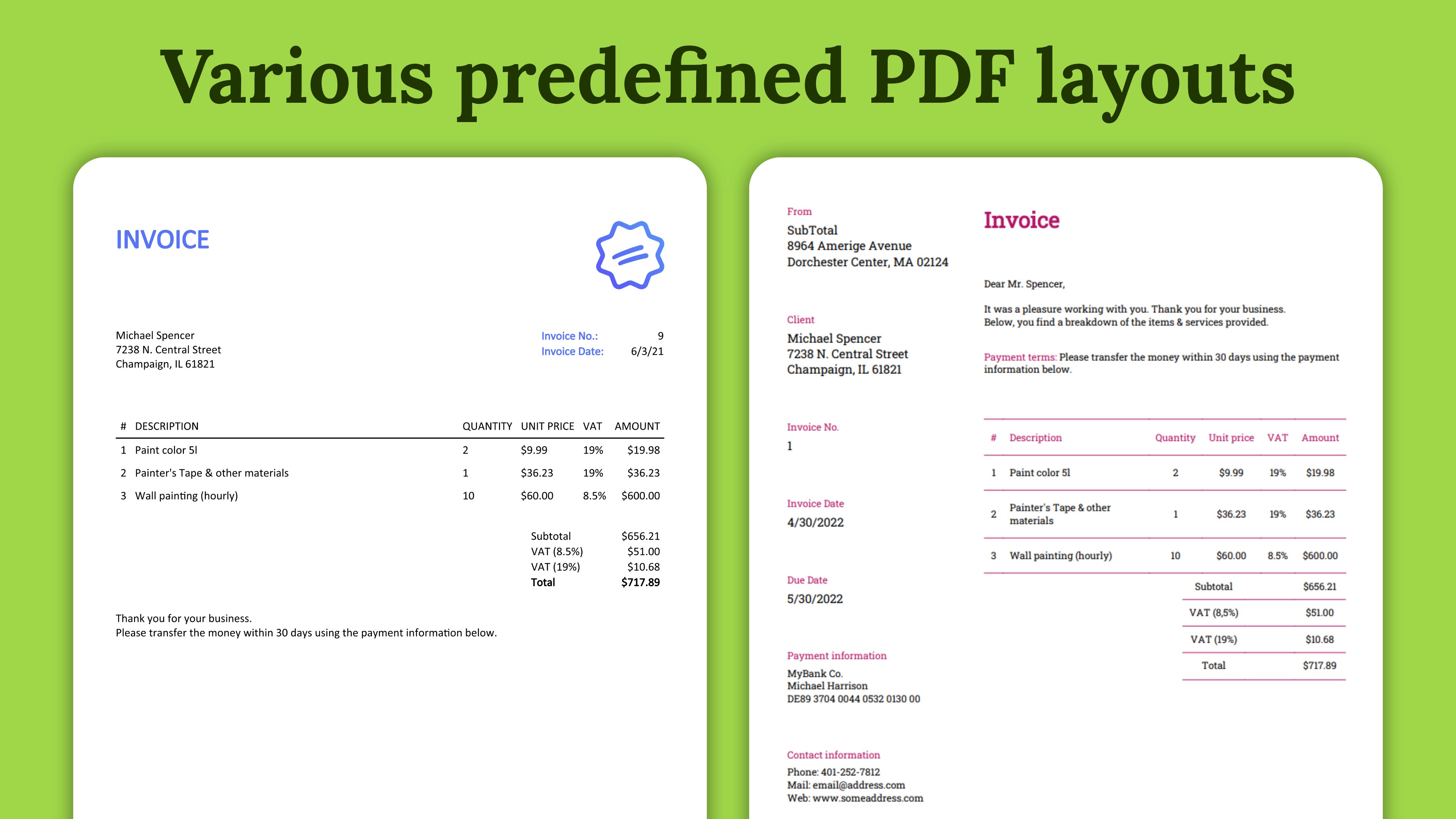
- Versatile Document Creation: Easily draft standard PDF invoices, client quotes, and estimates.
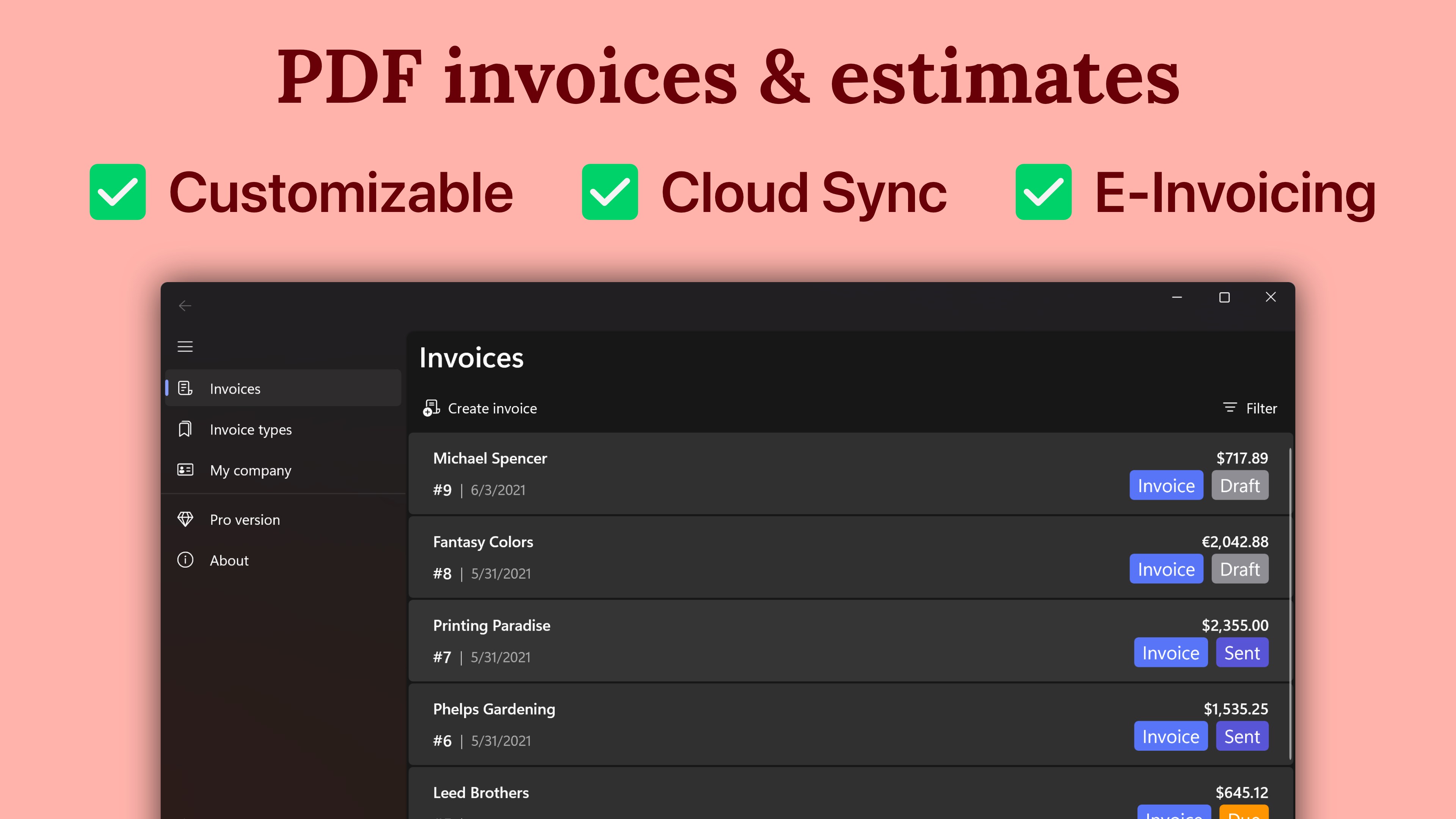
- Advanced E-Invoicing Support: Export files in compliant electronic formats, including ZUGFeRD, XRechnung, and Factur-X.
- Seamless Time Tracking Integration: Convert logged hours from the WorkingHours app directly into finalized invoices with a single click.
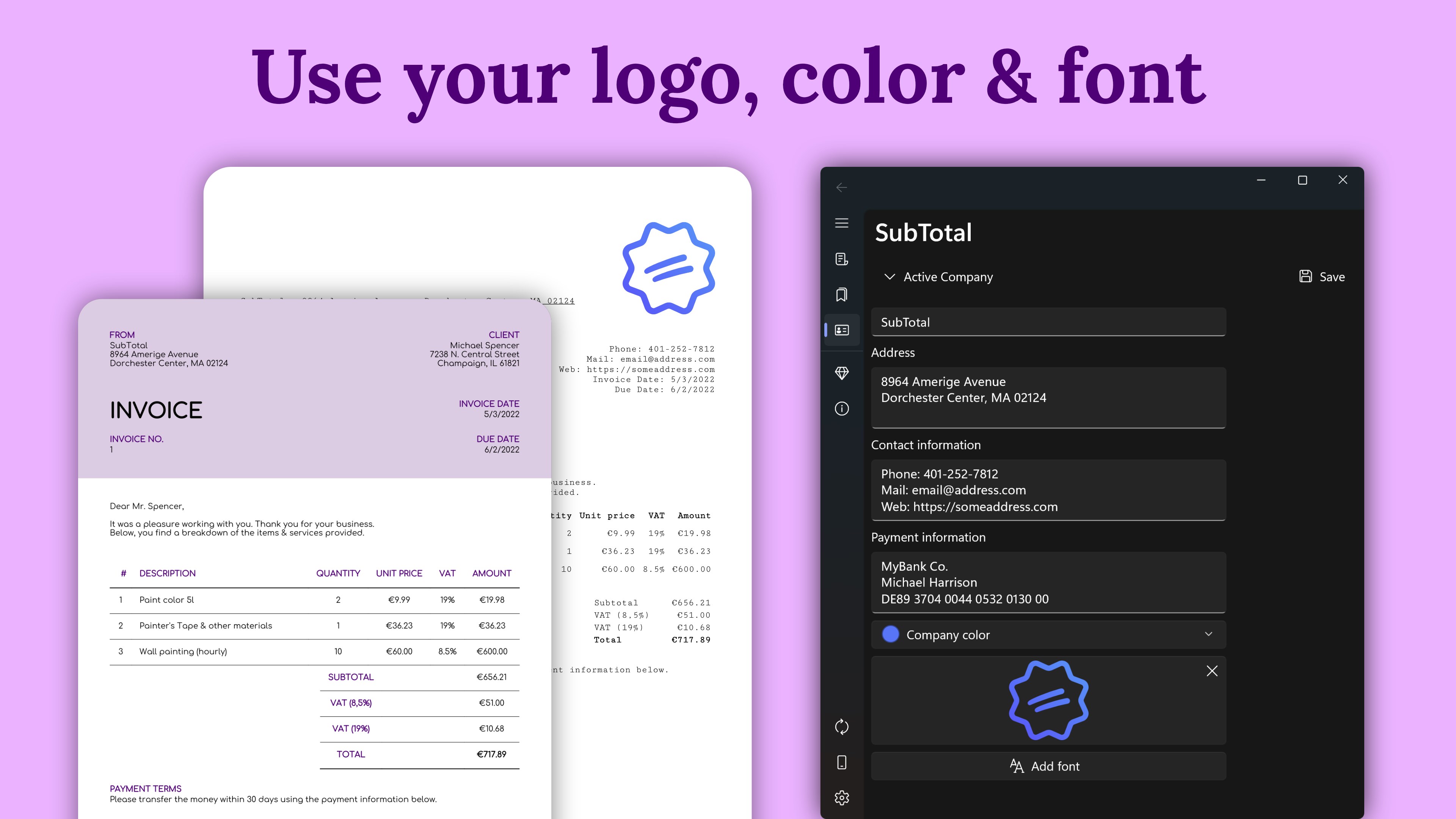
- Customizable Layouts: Personalize your documents by uploading your business logo, adjusting fonts, and tailoring color schemes to match your corporate identity.
- Cross-Platform Availability: Work across Windows, Android, iOS, and macOS, with optional cloud synchronization via OneDrive, Google Drive, Dropbox, iCloud, or WebDAV.
Who is SubTotal Built For?
If you are a self-employed consultant, creative freelancer, or trade contractor, you likely do not need a bloated enterprise resource planning system. SubTotal: Invoice Maker & Billing provides the ideal middle ground: it is lightweight yet incredibly robust. It allows you to organize your client billing workflow on your PC, track which documents have been settled, and maintain a clean, professional aesthetic in all external communications.
Pricing and Pro Capabilities
The core version of the app is completely free to use. For advanced business operations, the developer offers a "Pro" tier as a one-time purchase (no recurring subscription fees). Upgrading to Pro unlocks cloud synchronization, e-invoicing export capabilities, advanced PDF customization options, embedded QR codes, and removes advertisements on Windows. A 7-day free trial is available to test these premium features.
Our Editorial Verdict
We highly recommend this software for any service provider seeking to modernize their invoicing process. It eliminates manual spreadsheet templates in favor of an organized, database-driven billing workflow. To download the application and start optimizing your administrative tasks, visit the official Microsoft Store today.