
Monosnap - screenshot editor
Read our comprehensive review of Monosnap - screenshot editor for Mac. Discover how this powerful utility streamlines visual communication for professionals.
The Ultimate Visual Communication Tool for Mac Professionals
In modern digital workspaces, explaining complex workflows or pointing out software bugs requires more than just words. Monosnap - screenshot editor is a highly efficient utility designed for Mac users who need to capture, annotate, and share visual explanations instantly. Developed by Monosnap, Inc, this application bridges the gap between raw screen captures and clear, professional-grade communication.
Whether you are a developer logging software issues, a designer sharing mockups, or a customer support representative guiding a client through a technical issue, this versatile tool provides the precise control needed to elevate your daily workflow.
Key Features of the Monosnap - Screenshot Editor
What sets the Monosnap - screenshot editor apart from default system capture tools is its robust suite of markup and recording options. Here is a closer look at what the utility offers:
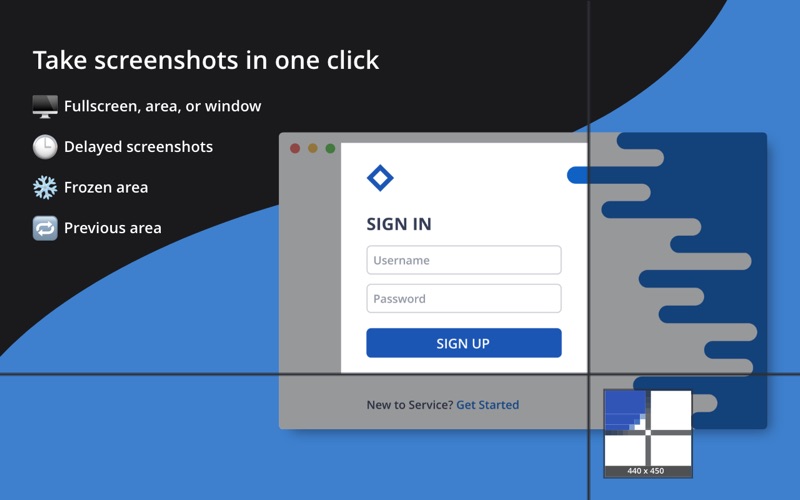
- Precision Capturing: Grab your entire screen, a specific active window, or a custom cropped area. An integrated 8x magnifier ensures your selection is pixel-perfect down to the individual pixel.
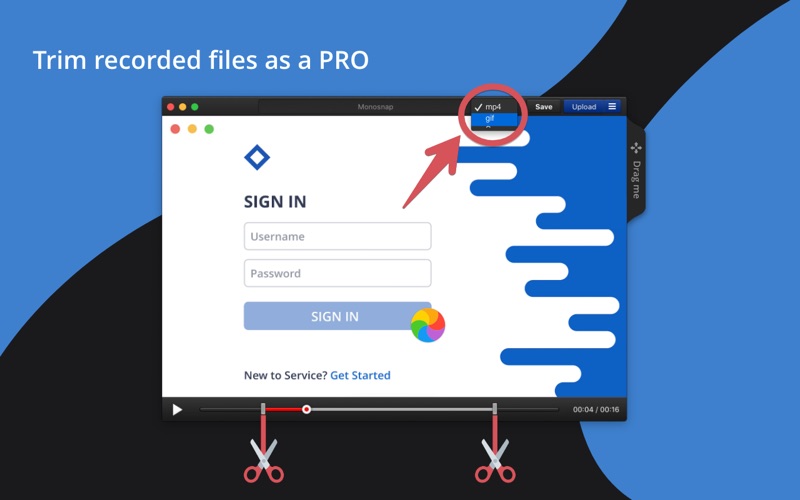
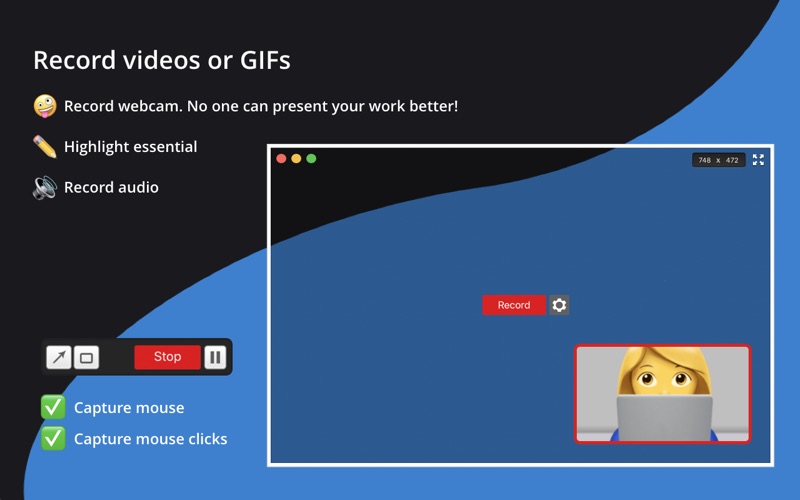
- Dynamic Screen Recording: Beyond static images, you can record high-quality screencasts and GIFs. Highlight crucial details in real-time while the recording is active to guide your viewer's focus.
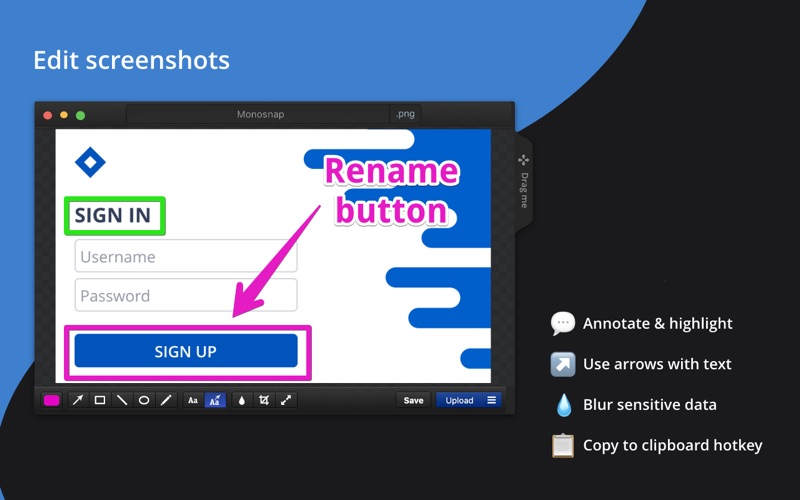
- Robust Annotation Suite: Once captured, open your snapshot directly in the built-in editor. Add arrows, shapes, text, and freehand pen drawings. You can also easily blur out sensitive or private information before sharing.
- Seamless File Management: Drag and drop files directly from the editor interface, or drop files onto your status bar icon for instant uploading.
Who Benefits Most From This Tool?
The Monosnap - screenshot editor is tailored for collaborative environments. Remote teams, QA engineers, and educators will find immense value in the ability to quickly record a short video explanation or send an annotated image rather than drafting long, confusing emails. By keeping communication visual, teams can dramatically reduce project turnaround times and eliminate misunderstandings.
Flexible Plans for Every Workflow
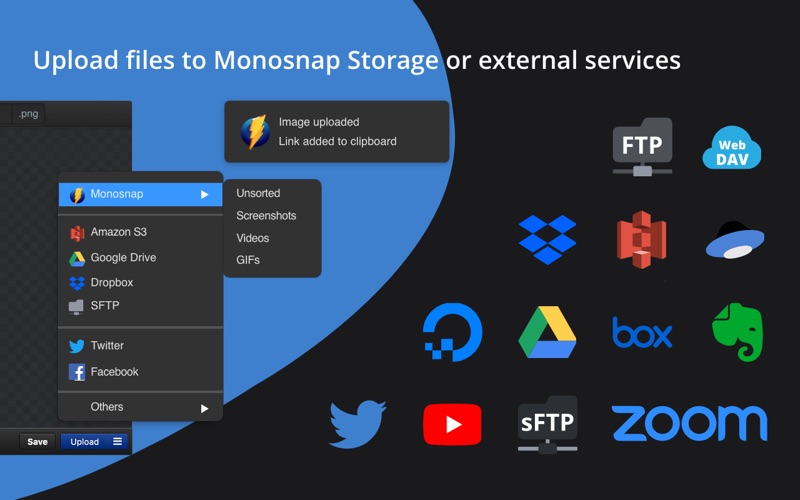
Monosnap, Inc offers a tiered system to accommodate different usage needs. The free version provides robust essential tools for non-commercial, personal use, including 2 GB of cloud storage. For users requiring advanced external integrations—such as Dropbox, Google Drive, Box, FTP, sFTP, WebDAV, or Amazon S3—paid non-commercial and paid commercial subscriptions are available. These premium tiers expand your cloud storage to 10 GB and increase individual file upload limits up to 2 GB, ensuring large video recordings transfer seamlessly.
An Essential Utility for Your Mac Workspace
If your daily work involves explaining visual concepts, the default Mac screenshot tools will likely leave you wanting more. The Monosnap - screenshot editor combines capturing, editing, and cloud sharing into one fluid, professional pipeline. To integrate this powerful visual tool into your daily operations, visit the official Mac App Store page to explore its features and choose the tier that aligns with your professional requirements.